
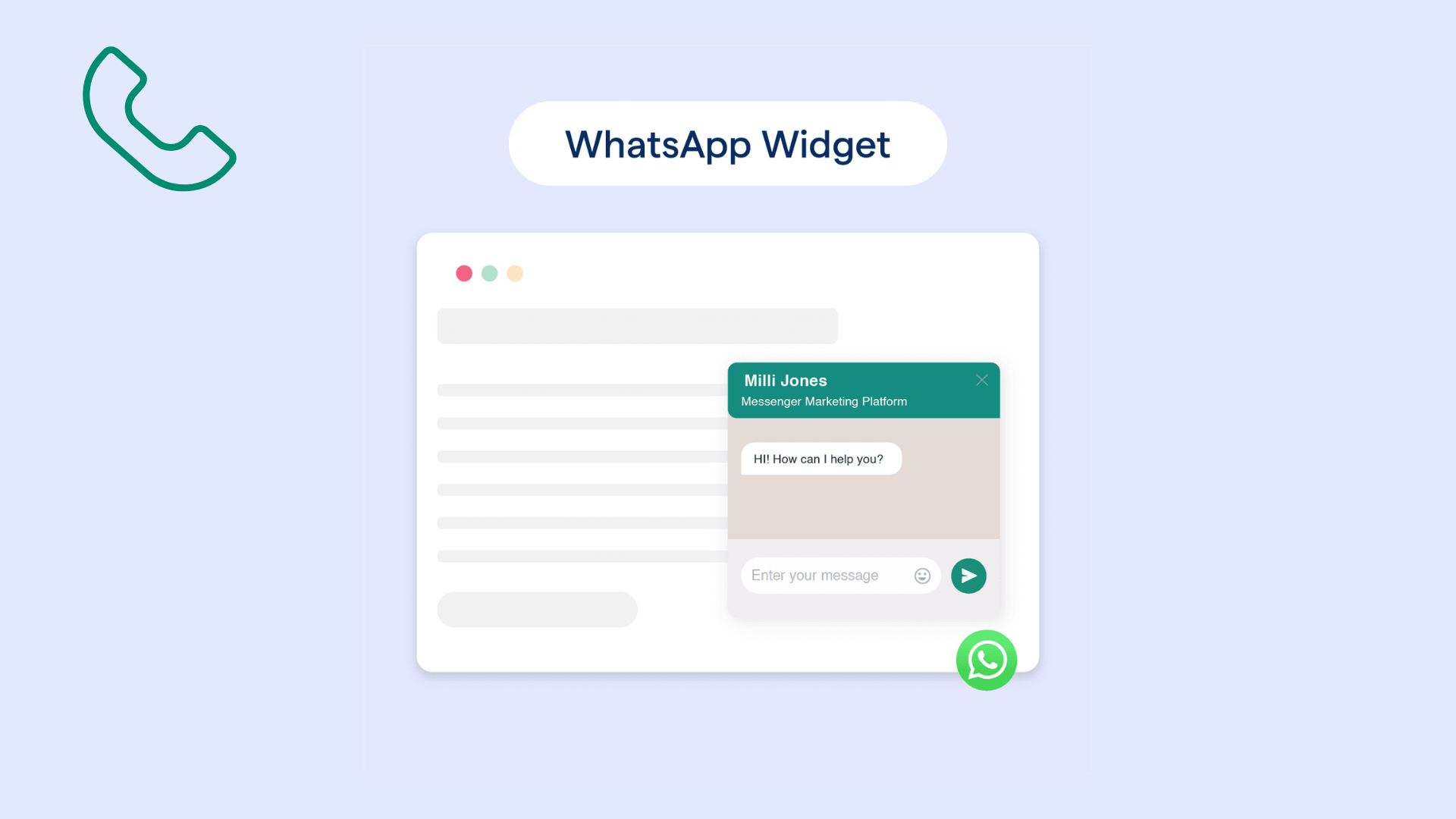
WhatsApp Widgets: Enhancing Customer Engagement and Business Efficiency
 Madeline Talavera
WhatsApp widgets empower businesses to connect with customers seamlessly. They go beyond displaying a phone number, enabling real-time conversations. The result is better service, stronger trust, and higher conversion potential in today’s competitive digital market.
Introduction
Businesses today have moved from relying on phone calls and emails to using instant messaging, and WhatsApp widgets have become central to that shift. With over two billion active users every month, WhatsApp lets companies meet customers where they already are. Unlike simply sharing your phone number, a WhatsApp widget is a small on-page button or pop-up that opens a chat directly with your business - no extra steps, no form-filling, no friction. Businesses that use these widgets see improved customer experience, faster responses, and more conversions - making support smoother and more responsive.
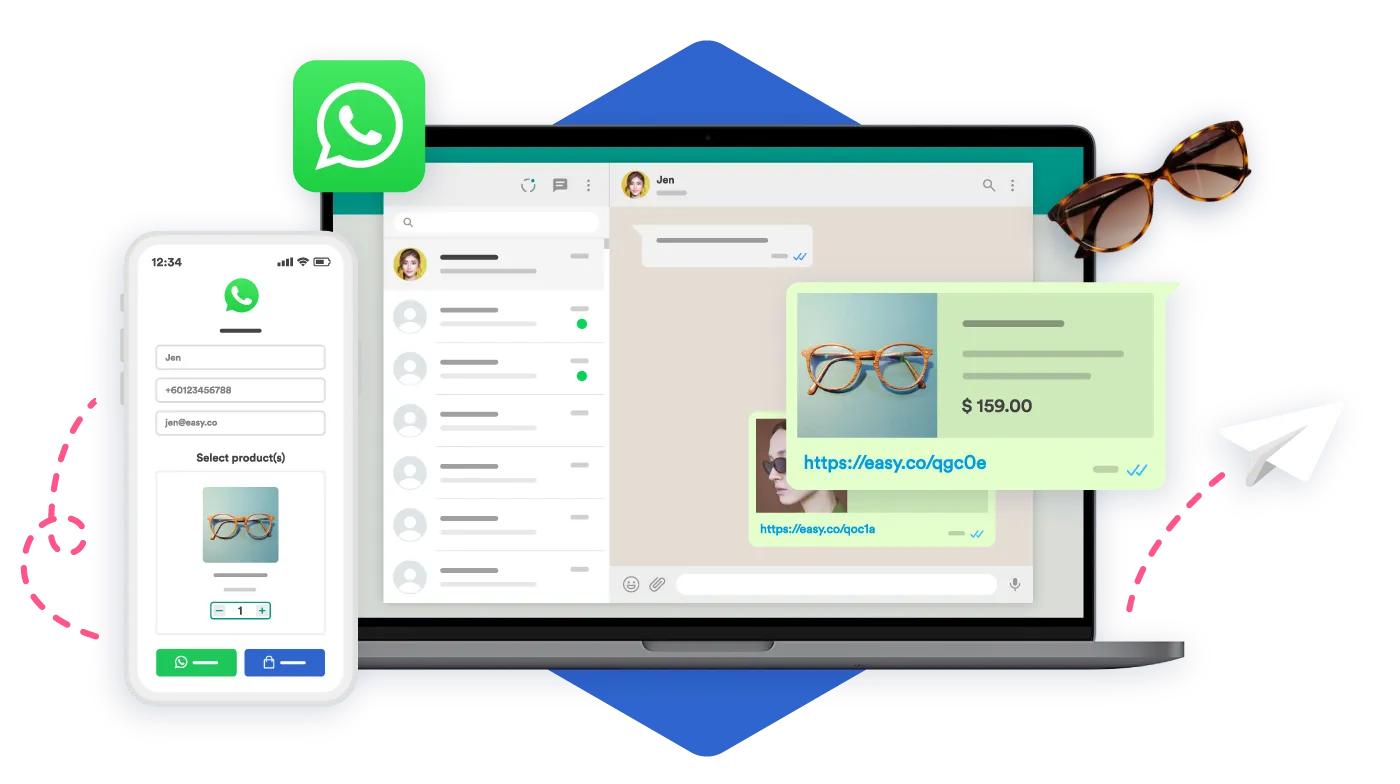
Types of WhatsApp Widgets and Their Functions
WhatsApp widgets come in different forms - ranging from simple chat links to embedded pop-ups, share buttons, and profile links - each designed to serve unique business needs.
Click-to-Chat Widgets
These are the simplest form of WhatsApp widgets: a button or link on your site that, when clicked, opens a new chat with your business on WhatsApp. You can customize the icon, label, and even include a pre-filled message - like “Hi, I’d like more info.” This direct link removes barriers and encourages instant communication.
Embeddable Chat Widgets / Pop-ups
Instead of redirecting users to WhatsApp separately, these open a mini-chat window directly on your webpage. Visitors can ask about products, support, or FAQs without leaving the site. This keeps them engaged and reduces drop-offs, while offering a familiar, in-app-style chat experience.
Share Buttons for Content
These widgets let visitors share your pages - articles, product links, etc. - directly via WhatsApp. It’s a powerful tool to increase your reach organically by turning each user into a potential promoter of your content and boosting visibility at no extra cost.
WhatsApp Business Profile Link Widgets
Often used in directories, email signatures, or social bios, these widgets link straight to your WhatsApp Business profile. They make it easy for prospects to reach you, adding a layer of trust and professional appearance - especially when placed consistently across touchpoints.
Benefits of Implementing WhatsApp Widgets
WhatsApp widgets offer key benefits, including better engagement, higher sales, smoother support, stronger marketing, and a more professional brand image.
Enhanced Customer Engagement and Experience
By embedding a WhatsApp widget, businesses offer immediate, personal, and convenient communication. Since WhatsApp is already a familiar app for users, clicking the widget feels as natural as texting a friend - and typically leads to faster engagement and fewer abandoned sites.
Increased Sales and Conversions
Widgets speed up lead response time - when you reply fast via WhatsApp, customers feel heard and confident. Personalized, real-time chats build trust. Plus, with open rates on WhatsApp reaching up to 98%, messages are far more likely to be seen and acted upon.
Streamlined Customer Support
WhatsApp widgets reduce the volume of calls and emails by handling common queries directly in chat. Whether through auto-replies or history-aware responses, support becomes faster, more organized, and scalable - especially when messages persist beyond browser sessions.
Improved Marketing and Outreach
Widgets can integrate with CRM platforms to track interactions, tag leads, or follow up with automatic messages. Customers can opt in through chat, and businesses can run broadcast campaigns or automated sequences - creating a direct, measurable marketing channel.
Building a Professional Image
Having a visible, well-placed WhatsApp widget signals that your brand is modern, responsive, and customer-first. It shows you’re accessible on the most used messaging platform, building credibility and friendliness in one go.
How to Implement WhatsApp Widgets on Your Website
To add WhatsApp widgets effectively, businesses should choose the right setup, follow simple steps, and consider key placement factors.
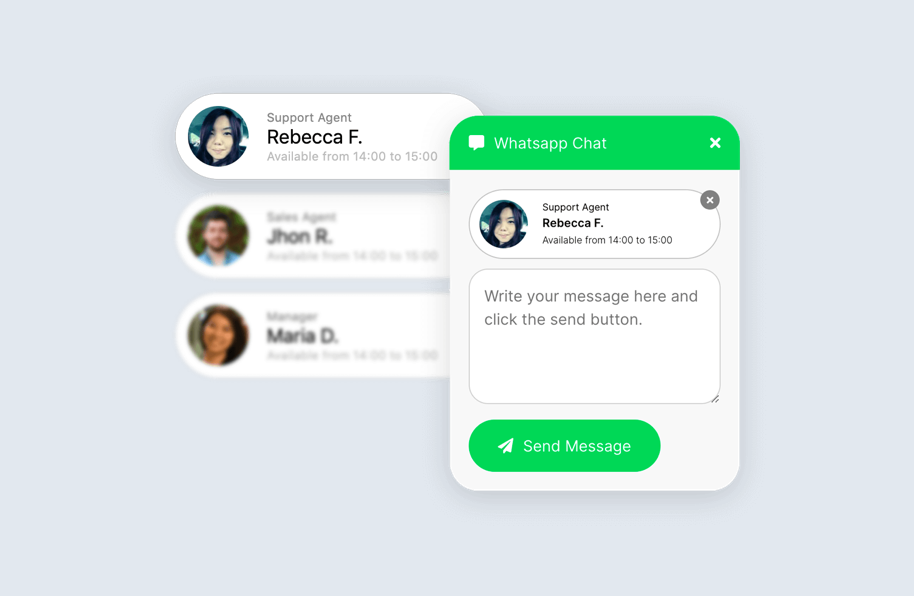
Choosing the Right Widget Provider/Method
You have three main options:
-
Direct link (Click-to-Chat): A basic link or button that opens WhatsApp when clicked. Simple and easy to set up.
-
Third-party widget platforms: Tools like Elfsight, GetButton, Chaty, or Boei offer customizable, no-code widgets you can embed on your site. For example, Elfsight’s WhatsApp Chat widget is coding-free and trusted by over 2 million businesses for faster customer communication and better conversion rates. With Botcake AI, it becomes much easier for you to generate a widget that converts sales effectively.
-
Custom code: Build and integrate your own widget for full control. Ideal if you have the dev resources or unique design needs.
Step-by-Step Implementation Guide (General)
A generalized process for any setup:
-
Select your widget type: Decide whether you want a pop-up chat, a floating button, or an embedded link.
-
Customize design and message: Use brand colors, choose icon style, and set a pre-filled or welcome message. Services like BusinessChat let you tweak everything, from icon text to bubble design, and see live previews.
-
Generate the code snippet: Once you’ve customized the widget, grab the installation code. Platforms typically provide it instantly.
-
Embed the code on your website: Paste it into your site’s HTML, or use the provided plugins for platforms like WordPress, Shopify, or Wix. PushEngage, for instance, offers plugins that work without manual HTML editing, though support for Wix isn’t available.
Key Considerations for Setup
-
Placement: Use a floating button or add it to your contact page to maximize visibility.
-
Mobile-friendly: Confirm it looks good and works well on phones and tablets.
-
Clear Call-to-Action (CTA): Use precise wording like “Chat Now” or “Ask via WhatsApp” to guide users clearly.
Best Practices for Optimizing WhatsApp Widgets
Success with WhatsApp widgets comes from smart placement, effective replies, clear availability, CRM links, and testing.

Strategic Placement and Visibility
Ensure your widget is visible where customer need is highest, like product pages or checkout, and works well across devices. A floating button on both desktop and mobile grabs attention immediately.
Crafting Effective Welcome Messages and Quick Replies
Set friendly, helpful autoresponses such as “Hi! How can I help today?” and create quick replies for common questions (e.g., "Store hours" or "Delivery details"). This keeps conversations flowing efficiently.
Managing Expectations and Availability
Clearly share your business hours or response times. Auto-replies like “We’ll get back within 2 hours” help manage expectations and reduce customer frustration.
Integrating with CRM and Support Systems
Link WhatsApp chats with your CRM or support platform. This lets you tag leads, track conversation history, and respond consistently - especially useful when multiple agents are managing messages. You can also use an all-in-one tool like Botcake.io to manage all of your databases in WhatsApp.
Analyzing Performance and Iterating
Track metrics like click-through rate, engagement levels, and response times. A/B test different placements, icons, or messages to see what performs best - and iterate for better results.
Use Cases and Real-Life Examples
WhatsApp widgets apply across different industries, helping businesses of all sizes improve engagement and drive results.
-
E-commerce: Customers use WhatsApp widgets to ask about sizing, shipping, or promotions. You can also use them to recover abandoned carts by sending reminders or offers. For example, Vietnam-based retailer Ilaby Kids combined Click-to-Message Ads with Botcake’s commerce tools to cut purchase costs by 54% and double overall sales.
-
Service-based businesses: Ideal for appointment bookings, lead qualification, and quick Q&A. A quick chat widget can turn browsers into bookings.
-
Local businesses: Restaurants, clinics, or shops can share location, hours, or menu details instantly - great for on-the-go customers.
-
Content creators/bloggers: Let audiences share your posts, ask questions, or submit ideas via WhatsApp, fostering real-time engagement and loyalty.
Future Trends in WhatsApp Widgets
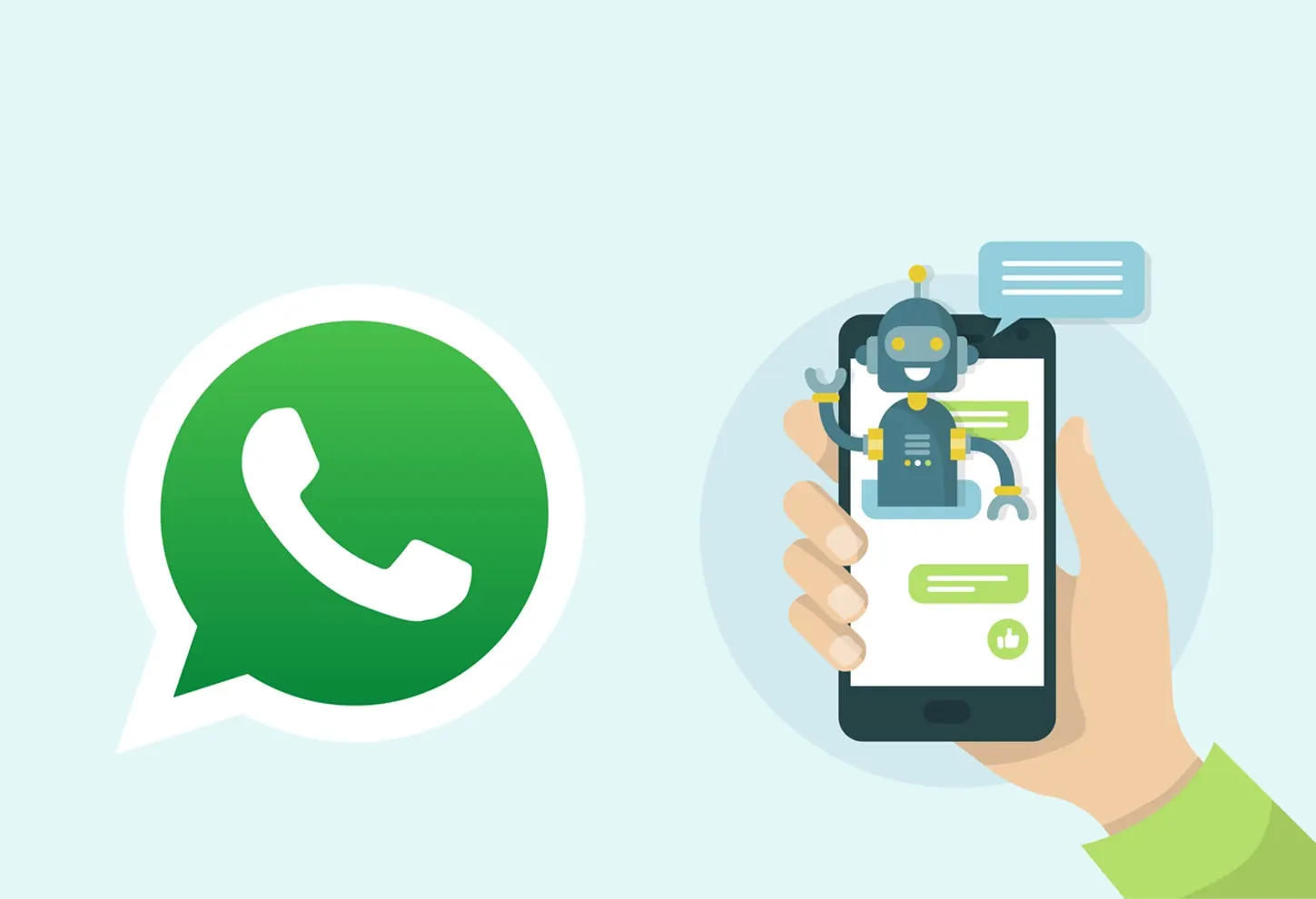
Looking ahead, WhatsApp widgets will evolve with AI, deeper integrations, and richer interactive experiences.
Advanced AI and Chatbot Integration
AI-powered chat becomes smarter and more accessible. Meta is rolling out tools that let businesses use AI chatbots on WhatsApp to handle customer interactions - expanding from basic FAQs to advanced, AI-assisted conversations.
Deeper CRM and E-commerce Integration
Expect tighter syncing between WhatsApp, CRM, and online stores - making targeted offers, product suggestions, or order tracking seamless and personalized based on customer behavior.
Richer Media and Interactive Elements
WhatsApp may evolve to include mini-apps, interactive media, or buttons inside chats - think product carousels or quick polls within the messaging experience.
Conclusion
With WhatsApp widgets, businesses can reach customers right where they already spend time every day. Instead of filling out forms or waiting for emails, people get instant, personal replies. That simple change builds trust and keeps conversations moving. For companies, it means stronger engagement and fewer lost leads. And when you add smart automation or optimization, these widgets go beyond basic chat, helping boost loyalty, improve support, and fuel real growth.
Related blogs

How AI Changes Customer Experience: A Complete Guide
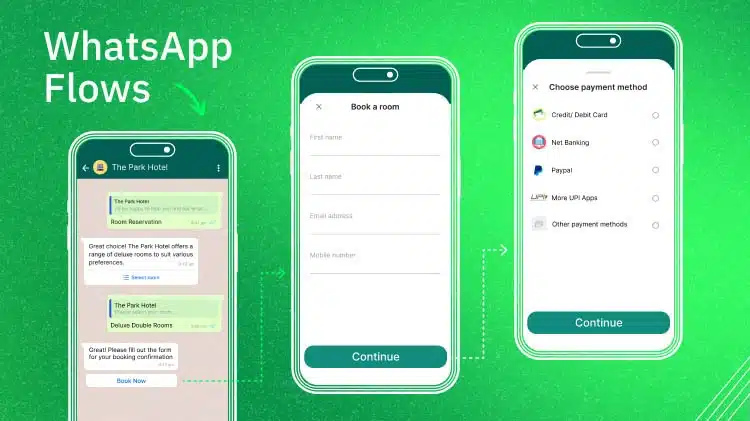
WhatsApp Flows: Revolutionizing Conversational Experiences on the World's Favorite Messaging App

The Future of Event Engagement: Your Guide to Event Chatbots

Discover how your business can connect with customers 24/7 with Botcake
- Automate your customer messaging flow
- React thousands with bulk marketing message campaigns
- Blend AI power seamlessly with your customer service