
WhatsApp Business Best Practices: Build Trust, Boost Engagement & Drive Results
 BellyJoe
WhatsApp is more than just a messaging app; it is a powerful tool for connecting with customers directly. When used correctly, it helps you build stronger relationships and grow your business. This guide will walk you through the best ways to use WhatsApp for professional communication.
Introduction
WhatsApp has become a key channel for businesses to talk with their customers. It offers a direct and personal way to engage with people where they are already active.
Why WhatsApp Business matters for modern customer communication
People prefer messaging over calls or emails for its convenience. WhatsApp provides an instant, informal channel that feels more personal. This helps businesses build trust and loyalty with their audience. It is a simple way to offer support, share updates, and even drive sales.
Who should follow these best practices?
These practices are for any business that wants to improve its communication with its customers. That could be small and medium businesses (SMB'S), ecommerce stores, and service providers. Retailers, real estate, consulting, whatever you are dealing with, using WhatsApp in the right way can lead to better performance.
Setting Up WhatsApp Business the Right Way
A strong foundation is crucial for success on WhatsApp. Your profile is the first thing customers see, so it needs to be professional and complete.
Use a dedicated phone number
You should always use a phone number that is just for your business. Do not use your personal number. This separation helps you maintain a professional image and keeps your work and private life apart. It also makes it easier to manage business communications as your team grows
Create a professional and consistent business profile
Your WhatsApp Business profile should reflect your brand. Use a high-quality version of your company logo as your profile picture. Your business name should be clear and recognizable. Consistency across all your communication channels helps customers trust that they are talking to the right company.
Add key business details
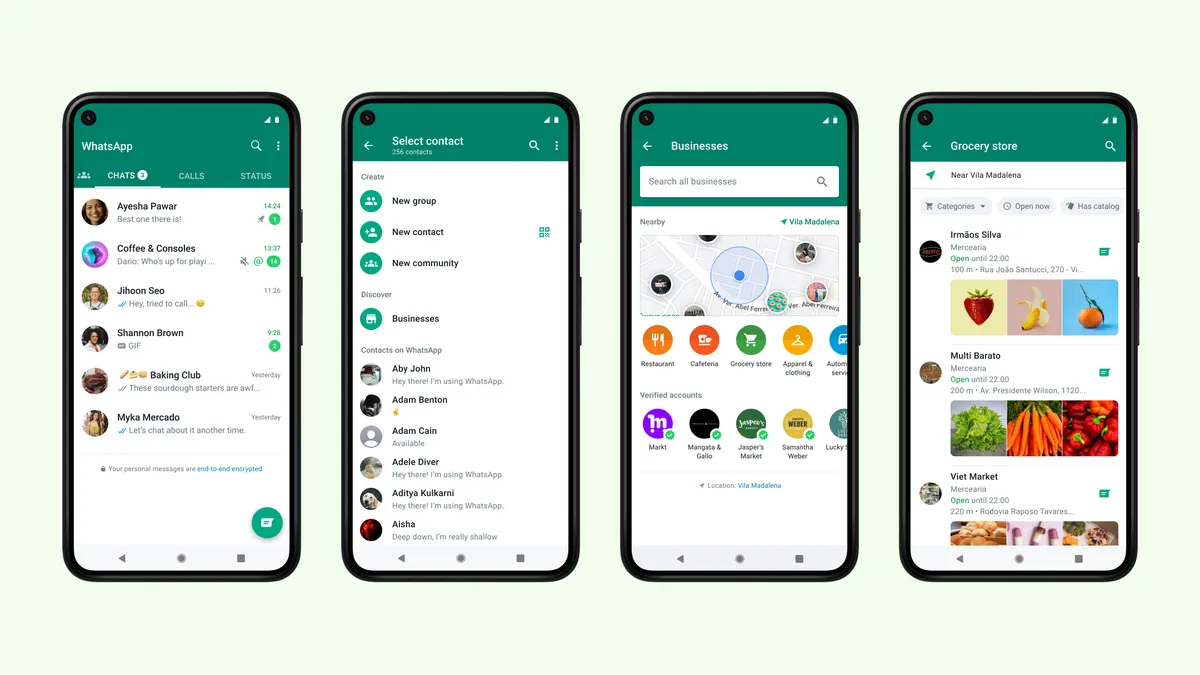
Fill out every section of the business profile. This includes your business hours, website link, and physical location if you have one. A complete profile gives customers all the info they need at a glance. You can also add a product catalog to show what you offer directly inside the app.
Set up a recognizable display name and profile photo
Choose a display name that is easy to identify as your business. It should match the name on the website and social media page. Profile photo better be your brand logo, so customers quickly recognize your business in the chat list and feel sure they are talking with the official account.
The best way to create and manage a WhatsApp Business account is through third-party providers. To get an active WhatsApp Business Platform account via a Business Solution Provider (BSP), you’ll need to choose a BSP that fits your needs, submit your business information for approval, activate a dedicated business phone number, create and get approval for message templates, and obtain user consent for initiating conversations. The BSP takes care of the technical complexities of the WhatsApp Business API while also offering integration, support, and advanced tools like chatbots and analytics.
Messaging & Campaign Best Practices for WhatsApp Business
How you communicate on WhatsApp directly impacts customer perception. Your messages should be helpful, timely, and respectful to create a positive experience.
Keep language clear, friendly, and engaging
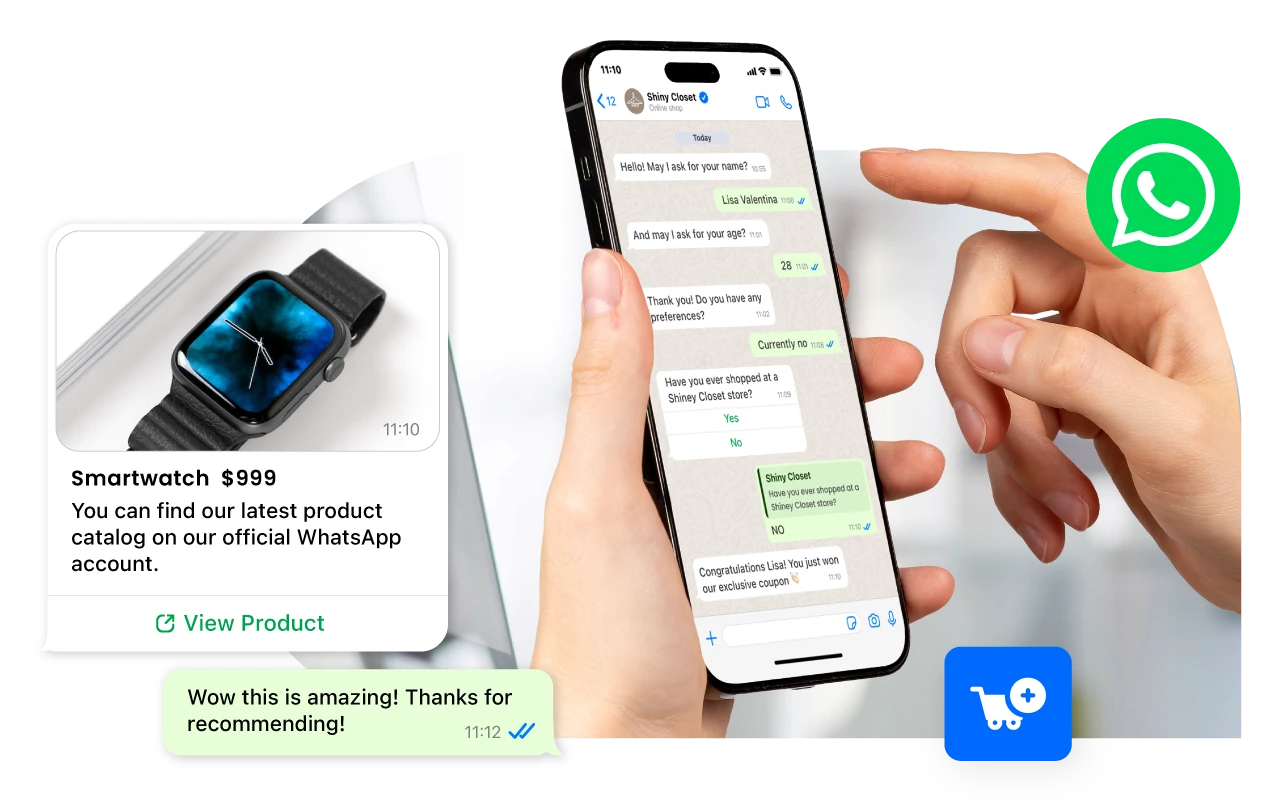
Use simple, human language so your messages feel like a real conversation, not a marketing blast. Always include a clear CTA to guide customers on the next step, and make your chats more engaging with multimedia (images, videos, PDFs) or quick-reply buttons.
Be responsive and respect boundaries
Reply promptly within WhatsApp’s 24-hour window to show you value customers’ time. At the same time, respect opt-in rules, avoid spamming, and pay attention to time zones to keep trust intact.
Segment audiences and A/B test templates
Divide your audience into smaller groups based on their interests or purchase history. This allows you to send more relevant and targeted messages. You should also test different versions of your message templates to see what works best. A/B testing helps you optimize your open rates and responses over time.
Smart Use of Automation
Automation helps you manage conversations efficiently as your business grows, ensuring customers receive timely responses even when you are not available. Businesses can also explore real-world use cases of WhatsApp message automation with Botcake here.
Set up greeting messages for new conversations
A greeting message is an automated reply sent to customers when they message you for the first time. It is a great way to welcome them and let them know you have received their query. You can also use it to set expectations for when they can expect a full response from a team member.
Use away messages during non-working hours
When your team is offline, an away message can inform customers that you are currently unavailable. This message can also provide information on your business hours and when they can expect a reply. It manages customer expectations and shows that you are organized.
Leverage quick replies to speed up common responses
Quick replies are pre-written responses you can save to answer frequently asked questions. This feature saves you time and ensures your answers are consistent. You can create quick replies for questions about pricing, shipping, or return policies.
Use labels to organize and prioritize conversations
Labels help you categorize your chats for easy management. You can create labels like "New Customer," "Order Pending," or "Urgent" to organize your conversations. This system allows you to quickly identify and prioritize chats that need immediate attention.
Customer Experience & Compliance Best Practices
Providing a great customer experience while following WhatsApp's rules is non-negotiable. This builds trust and ensures your account remains in good standing.
Always collect opt-ins before promotions
You must get explicit permission from users before sending them promotional messages. This is a strict WhatsApp policy. An opt-in can be collected through your website, social media, or even in person. Always make it clear what kind of messages they are signing up for.
Be transparent about who’s messaging and why
When you initiate a conversation, clearly state who you are and why you are messaging. Transparency builds trust and reduces the chances of your message being marked as spam. Let the customer know if they are talking to a bot or a human agent.
Provide human support and respect customer choice
While automation is useful, customers should always have a clear way to reach a real person when needed. At the same time, respect their preferences by avoiding spammy behavior and offering an easy opt-out option. This balance builds trust and prevents frustration.
Follow WhatsApp’s policy
Be familiar with WhatsApp’s Business and Commerce Policies to ensure compliance with what you can sell and how you communicate. Sticking to these rules helps protect your account from being blocked or restricted.
Analytics & Continuous Improvement
Tracking your performance on WhatsApp helps you understand what is working and what is not. Use this data to refine your strategy and improve your results over time.
Track metrics like open rate, reply rate, and session count
You can track WhatsApp metrics like reply rate and session count. Reply rate shows how many people answer, and session count means how many conversations you handle in 24h window. Open rate does not come from WhatsApp directly; it usually shows only on the BSP dashboard.
Use built-in WhatsApp Business insights or third-party tools
The WhatsApp Business app has some basic analytics to view your activity. You can also use third-party platforms to access more detailed analytics. The more advanced analytics can help you learn customer behavior and optimize your campaigns for better results.
Use customer feedback to refine your approach
Pay attention to what your customers are telling you. Their feedback is a valuable resource for improving your service. Use their suggestions to make changes to your messaging, products, or processes. This shows you are listening and committed to providing a better experience.
Align WhatsApp performance with sales and support KPIs
Connect your WhatsApp efforts to your broader business goals. Track how your conversations are contributing to sales, lead generation, and customer satisfaction. This helps you demonstrate the value of the channel and make data-driven decisions about your strategy.
Tools to Support Best Practices
The right tools can help you implement best practices more effectively. It can automate tasks, give deeper insight, and also integrate WhatsApp with existing workflows.
CRM integrations
Integrating WhatsApp with a Customer Relationship Management (CRM) system helps keep all customer data in one place. Platforms like Botcake let you connect WhatsApp with popular CRM such as Zoho, HubSpot, and Salesforce. This creates a unified view of customer interaction. You can learn more on botcake.io/integration.
Chatbot platforms
Chatbot platforms help automate conversations and provide 24/7 support. Tools like WATI, Twilio, and Botcake allow building and deploying chatbots on WhatsApp. These bots can handle common queries, qualify leads, and route complicated issues to human agents.
Analytics dashboards and contact management tools
A special tool for analytics and contact management gives a deeper understanding of performance. Those platforms offer an advanced dashboard to track metrics and a feature to organize contacts. They give the insight you need to refine strategy and grow business on WhatsApp.
Conclusion
Following WhatsApp Business best practices is really important if you want to build strong customer relations and also reach your goals. The next thing you should do is check your current setup and workflow, and see what part can be better. Using a platform like Botcake makes this easier and helps unlock more potential from WhatsApp for your business.
Related blogs

How AI Changes Customer Experience: A Complete Guide
WhatsApp Flows: Revolutionizing Conversational Experiences on the World's Favorite Messaging App

The Future of Event Engagement: Your Guide to Event Chatbots

Discover how your business can connect with customers 24/7 with Botcake
- Automate your customer messaging flow
- React thousands with bulk marketing message campaigns
- Blend AI power seamlessly with your customer service