
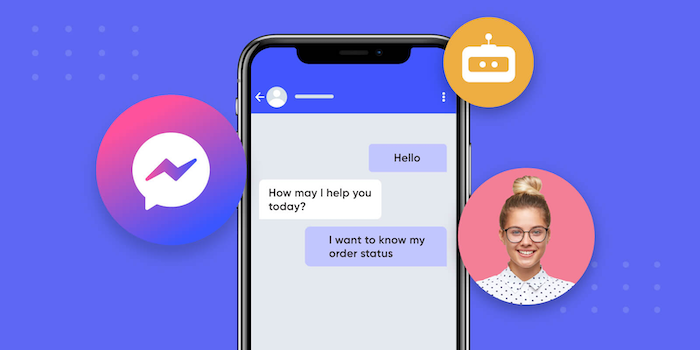
Facebook Chatbot Marketing: A Guide to Engagement and Sales
 BellyJoe
This article will explain how to set up automated Facebook chatbots for customer engagement, delivering instant support, and effectively converting more leads into sales.
Introduction
A Facebook chatbot is a smart automated software that engages potential customers in meaningful dialogues and runs through the social networking site’s channel. It’s a 24/7 messenger for your business, answering questions, informing users, and helping them make purchase decisions at any time of day.
Since a large number of people are active on Facebook Messenger every day, businesses with chatbots hold an upper hand. They reach out to their customers instantly, automate their customer support, and resolve actual problems at both micro and macro levels.
To fully appreciate the impact of this technology, it is helpful to look at the difference between traditional vs. modern marketing. Traditional marketing often relies on one-way communication—sending emails that may sit unread or running static ads that users scroll past. Modern marketing, however, is defined by conversational commerce. It demands instant, two-way interactions where customers feel heard immediately. Facebook chatbots bridge this gap, transforming passive viewers into active participants in a real-time dialogue.
Understanding the Fundamentals of Facebook Chatbots
How Facebook Chatbots Work
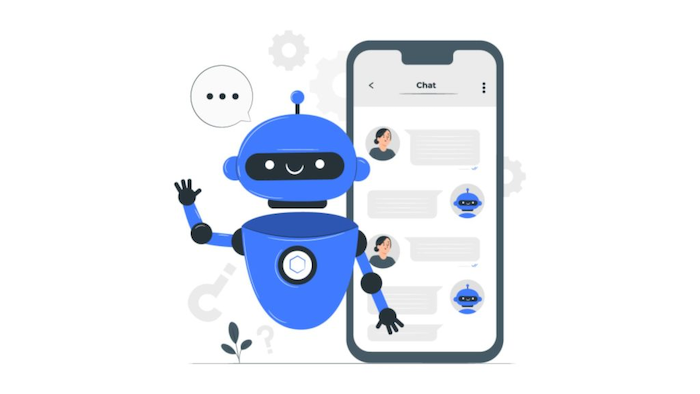
A Facebook chatbot is a program that uses the Messenger API. It automatically sends and receives messages for your Facebook Page. These bots can range from simple to highly intelligent. A rule-based chatbot is the most basic type. It follows a pre-built "flow" or script, much like a flow chart. If a user taps a "Price" button, the bot will show the price. It is great for simple, predictable questions. An AI-powered chatbot is more advanced. It uses Natural Language Processing (NLP) to grasp what a user means. This works even if they use slang or misspell words. This allows for more natural, human-like conversations.
Key Components of a Facebook Chatbot
A good chatbot is built from a few key parts that create a great user experience.
-
Welcome message: This is the very first message a user sees when they start a chat. It should be friendly, engaging, and clearly explain what the bot can help them with.
-
Main menu / persistent menu: This menu is always visible at the bottom of the chat window. It provides users with simple buttons, such as "Shop Products," "Book Now," or "Contact Support," allowing them to easily find what they need at any time.
-
Quick replies: These are bubble-like buttons that appear after a bot sends a message. They guide the user by presenting simple choices, such as "Yes," "No," or "Blue Shirt." This makes the conversation much faster and easier than typing.
-
Follow up with customers: Based on a pre-set care script, the Chatbot can follow up when customers have not completed their orders after specific intervals like 30 minutes, 1 hour, 3 hours, or 10 hours (in compliance with Meta's policies).
-
User Input and NLP: This is how the bot understands a user's typed message. A good chatbot platform will allow you to set up "keywords" (like "shipping") that trigger a specific reply. More advanced bots utilize NLP to comprehend the entire sentence.
Setting Goals for Your Chatbot
A bot without a goal is just a toy. Your Facebook chatbot should have a clear job. Your goal might be:
-
Lead Generation: To collect contact info (like name, email, and phone number) from interested users.
-
Customer Support: To answer common questions (FAQs) 24/7 and free up your human team.
-
Sales and Conversions: To show products, send discount codes, and guide users to make a purchase.
-
Brand Awareness: To engage users with fun quizzes, contests, or helpful content.
Building Your First Facebook Chatbot: A Step-by-Step Guide
You do not need to be a programmer to build a powerful Facebook chatbot. Modern platforms make it easy.
Choosing a Chatbot Platform
The first step is to choose a "no-code" or "low-code" chatbot-building platform. These tools connect to your Facebook Page and provide a visual, drag-and-drop interface for building your bot. Popular platforms include ManyChat, Chatfuel, and Botcake. When choosing, consider factors like features (does it have the AI and automation you need?), pricing, and ease of use. A platform like Botcake is a great choice because it is an official Meta partner and offers deep integrations for e-commerce and sales.
Planning Your Chatbot Flow
Before you build, you must plan. A "chatbot flow" is a map of the conversation. You should start by mapping out the user journey. Start small. You can build a simple "Welcome Message" and an "FAQ" flow first, and then add more complex flows later.
Integrating with Other Tools
To make your chatbot truly powerful, you should connect it to your other business software.
-
CRM Systems: Connect your bot to your customer database program. When your bot captures a new lead, it can automatically send that contact information to your CRM.
-
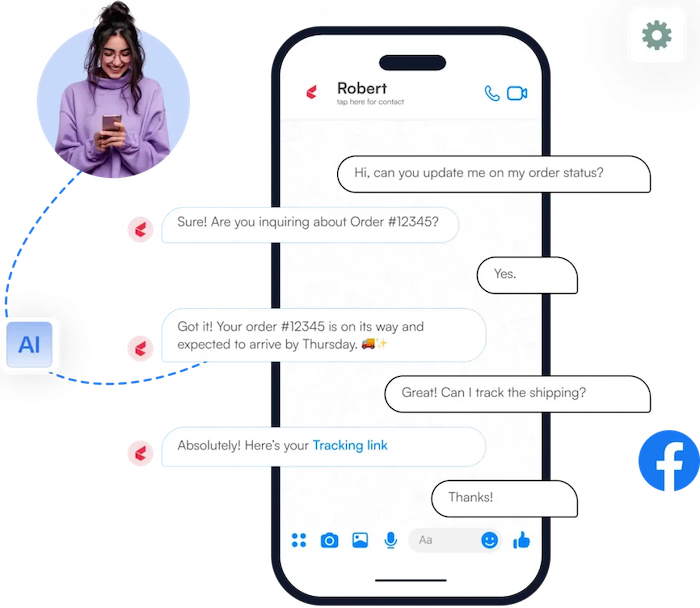
E-commerce Platforms: Integrate with your Shopify or WooCommerce store. This lets your bot do amazing things, like check if a product is in stock or even pull order information to track a package.
-
Email Marketing Services: You can have your bot ask for an email address and then automatically send that email to your newsletter list in a tool like Mailchimp.
Strategies for Effective Facebook Chatbot Marketing
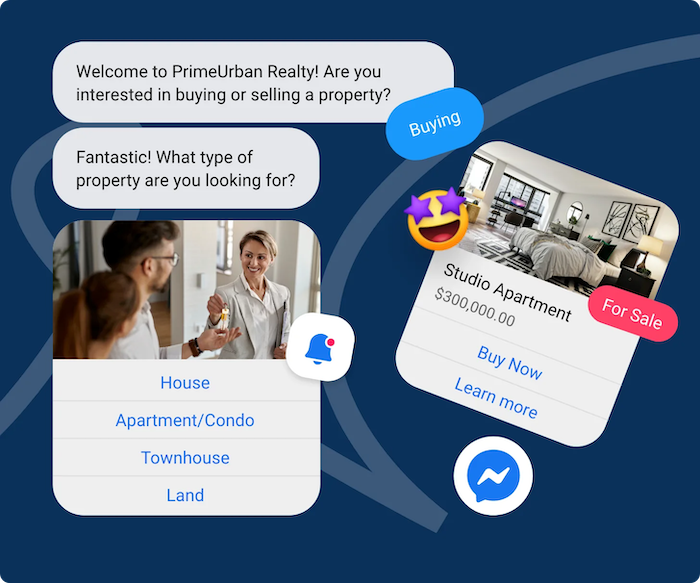
A Facebook chatbot is a versatile tool. You can use it for every part of your business, from finding new customers to keeping your current ones happy.
Lead Generation and Nurturing
A chatbot is an amazing tool for lead generation. Instead of a boring "Contact Us" form on your website, a chatbot can have an interactive conversation. It can capture a user's name, email, and phone number, and ask qualifying questions (like "What is your budget?").
Businesses that use AI chat flows from ads have seen a 60% increase in leads and a 79% lower cost per lead compared to old-fashioned web forms. Once you have a lead, you can use the bot to "nurture" them with "drip campaigns." This means sending a series of helpful, automated messages over a few days or weeks to build trust and keep them interested.
Customer Service and Support
This is one of the most popular uses for a Facebook chatbot. You can program your bot to handle your most frequently asked questions 24/7.
-
"What are your store hours?"
-
"Where is my order?"
-
"What is your return policy?" By automating these simple, repetitive inquiries, you provide instant support to your customers. This frees up your human agents to focus on the complex, high-value problems that truly require a human touch. A good bot platform will also have a "human handover" feature, allowing the bot to seamlessly pass the conversation to a live agent when the user needs more help.
Driving Sales and Conversions
Your chatbot can be your best salesperson. You can build flows that:
-
Showcase Products: Use carousels and images to show off your products, just like a WhatsApp Catalog.
-
Send Abandoned Cart Reminders: If a user leaves your website without buying, you can send them a friendly reminder in Messenger. This is very effective.
-
Give Discount Codes: Offer a special 10% off coupon to new subscribers who chat with your bot.
-
Allow Direct Purchases: You can even set up your bot to let customers browse, select, and pay for a product all inside the chat.
Re-engagement and Retention
A Facebook chatbot is also great for keeping your current customers happy. You can send broadcast messages (with certain restrictions) to re-engage your audience with updates, promotions, or new product announcements. You can also use the bot to automatically send personalized follow-ups, like a reminder for an upcoming appointment or a request for a review after a purchase.
Measuring Success and Iteration
To ensure your chatbot is effective, you must track its performance and make improvements over time.
Key Performance Indicators (KPIs) for Chatbots
-
Open rates and click-through rates: These metrics tell you if your messages are engaging. A high open rate means your message hook is working, while a high click-through rate indicates your call-to-action (CTA) is compelling.
-
Conversion rates: The percentage of users who perform a desired action, such as making a purchase or booking an appointment. This is the ultimate measure of your ROI.
-
Customer satisfaction (CSAT): Gauge user sentiment by asking for a quick rating after a support interaction. A simple "thumbs up/down" or 1-5 star rating can provide valuable feedback.
Advanced Tactics and Best Practices
Once you have your basic flows running, you can use these advanced tactics to make your Facebook chatbot marketing even better.
A/B Testing Your Chatbot Flows
Do not just guess what works best. Test it! A/B testing allows you to send two different versions of a message to see which one gets a better response. You can test your welcome message, your button text, or the image you use. By analyzing the user engagement metrics (like click-through rates), you can optimize your bot flows for the best possible performance.
Leveraging Facebook Ads with Chatbots
This is one of the most effective methods on the platform. Click-to-Messenger ads. This is an ad on Facebook or Instagram that has a "Send Message" button instead of a "Learn More" button. When a user clicks the ad, it automatically opens a conversation with your chatbot. This is a very powerful way to connect with new leads, because they don’t have to leave the app or fill out a form.
The cosmetics brand Le Van Anh did this. They sent ad traffic to the automated chatbot and achieved a 3.6x higher conversion rate and a 2x higher return on ad spend (ROAS) compared to their old ad campaigns.
Personalization and Segmentation
The best chatbot platforms, such as Botcake, enable you to "tag" users based on their answers or actions. For example, you can tag users who are "Interested in Shoes" or "VIP Customers." This enables you to utilize marketing strategy segmentation to send highly targeted broadcast messages that are relevant to each user, resulting in significantly higher engagement.
Compliance and Privacy
Facebook has strict platform policies to avoid spammy use of its platform. For example, you cannot send a bulk broadcast message to a user who has not engaged with your page in the last 24 hours. If you want to send messages beyond this 24-hour window, you must use the Marketing Messaging feature (paid messages) to send promotional offers or livestream notifications to customers.
Conclusion
Facebook chatbot marketing has become a crucial component of modern business. It is a powerful way to provide 24/7 customer service, generate and qualify leads automatically, and guide customers to a sale, all in one place. If you are ready to start automating your customer conversations and driving real growth, explore a powerful, integrated platform like Botcake today.
Related blogs
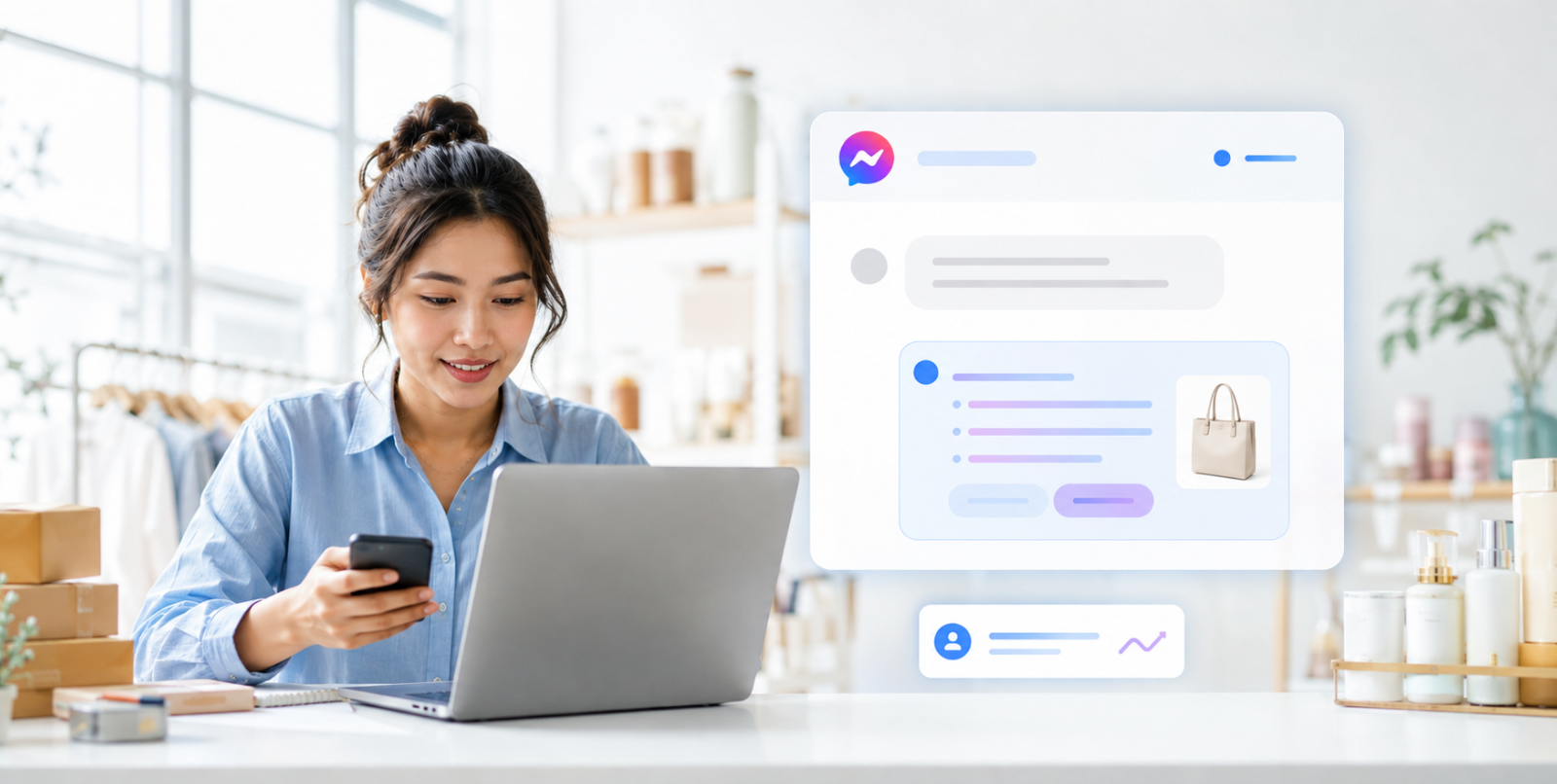
Chatbot AI Messenger: Cách hoạt động, ứng dụng và triển khai
How to Set Up Meta Business AI on Messenger
Top E-commerce Use Cases of Meta Business AI

Discover how your business can connect with customers 24/7 with Botcake
- Automate your customer messaging flow
- React thousands with bulk marketing message campaigns
- Blend AI power seamlessly with your customer service