
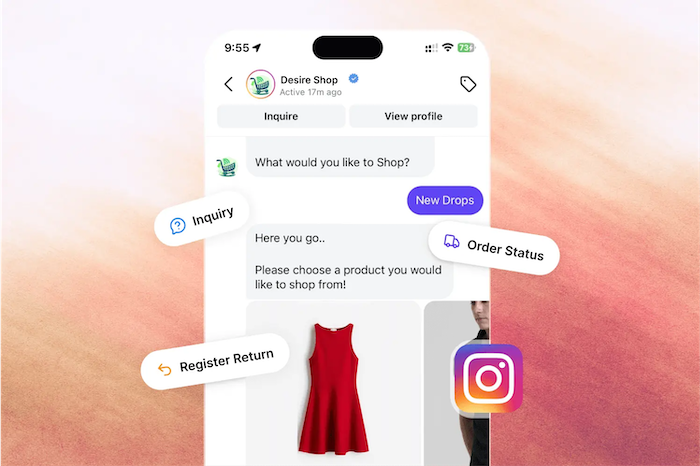
The Power of Automation For Instagram Chatbot API
 Madeline Talavera
The Instagram Chatbot API is a great tool for businesses. It helps you automate talks with customers. You can engage them 24/7. It also grows your brand on Instagram.
Introduction
Instagram is not just for photos anymore. It is now a key place for sales and customer chats.
The Rise of Conversational Commerce on Instagram
Instagram grew larger than a photo app. It is now a main store for many companies. Customers find products in posts, stories, and reels. They want to ask questions and buy in DMs. This change made a big demand for fast service. People expect quick answers. Businesses must provide them.
What is an Instagram Chatbot API?
An Instagram Chatbot API helps businesses automate DMs. The API is like a bridge. It connects your Instagram to a chatbot tool. This link lets a bot read and send messages for you. You can build auto replies. You can also connect your sales tools. This helps you manage many chats at once.
Why Your Business Needs an Instagram Chatbot
A chatbot is a key tool for business today. The benefits are clear and fast. You can give 24/7 support to all customers. The bot answers common questions right away. It also works like a sales helper. It finds new leads. It qualifies those leads. It even helps make sales. This frees up your human team for harder tasks. It makes a better and faster experience for everyone.
Understanding the Instagram Chatbot API
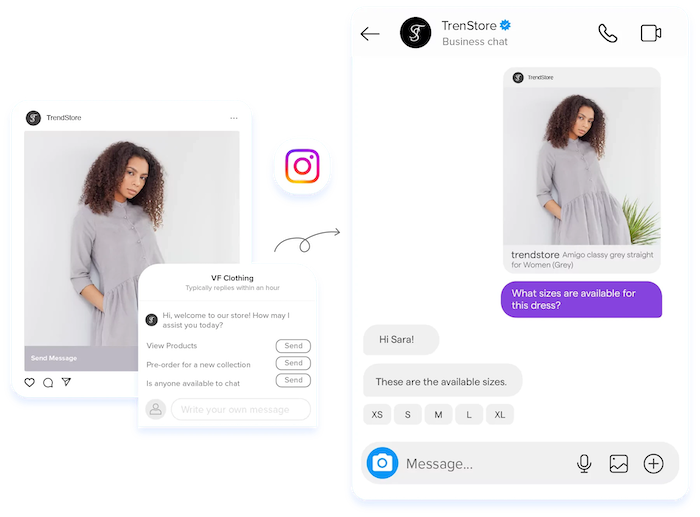
The API gives you many strong tools. You can use them to manage customer chats well.
Key Features and Capabilities
The API's features are made for business. You can send and get text, media, and carousels. Quick replies and buttons help guide users. This makes the chat feel smooth and easy. The API also lets you get user information. This data helps you group your audience. You can then make chats more personal. You can connect the bot to your CRM or store. This automates tasks like checking orders. It can also book appointments or update profiles.
How it Works: Technical Overview
The process is simple. A user messages you on Instagram. A signal called a "webhook" goes to your bot. This signal tells your bot about the new message. The bot then reads the message. It uses the API to send the right reply. Developers can build this connection. But most businesses use easy no-code tools.
Instagram's Policies and Best Practices for Chatbots
You must follow Instagram's platform rules. Following these rules is very important. Breaking them can lead to penalties. Your account could be restricted. Your chatbot design must be fair. Be clear that the user is talking to a bot. You also need permission to send sales messages. Always focus on a good user experience.
Building Your Instagram Chatbot: A Step-by-Step Guide
A good chatbot starts with a clear plan. You need a strategy. You need the right tools. You also need to test it carefully.
Planning Your Chatbot Strategy
First, set your goals. What do you want the bot to do? Goals can be finding leads or automating services. You might also want to drive sales. Next, know your audience. Understand their common questions and problems. Then you can map out the chat flows. These maps plan the user's path in the chat.
Choosing the Right Platform/Tools
You have two main choices to build your bot. First, you can use a ready-made chatbot builder. These tools are easy to use, require no coding, and work well for most businesses. A great example is Botcake AI, a no-code chatbot with a simple drag-and-drop interface, so you can build care flows and sales scripts quickly without technical skills.
Botcake AI supports automation, AI replies 24/7, and lead qualification to filter potential customers before handing them to your team. It can also connect with CRM or POS systems, helping you sync customer data, track orders, and manage sales more smoothly.
The second choice is custom building. This option is more flexible, but it needs technical resources, longer setup time, and higher cost. Choose the approach that best fits your budget, goals, and team capacity.
Development and Integration
After you pick a tool, set up your API access. You will connect your Instagram account. You will also set up your webhooks. Then, design the chat experience. Write the bot's replies. Create quick reply buttons. Build your automated flows. Testing is a very important step. You must test every user path. This helps you find and fix errors before launch.
Launching and Monitoring Your Chatbot
After testing, you can launch. Promote your chatbot in your bio, posts, and stories. Ask users to message you. After launch, you must watch how it performs. Check key numbers. Look at chat volume and user happiness. User feedback is very helpful. Use it to find problems and make your bot better.
Advanced Strategies for Maximizing Your Instagram Chatbot
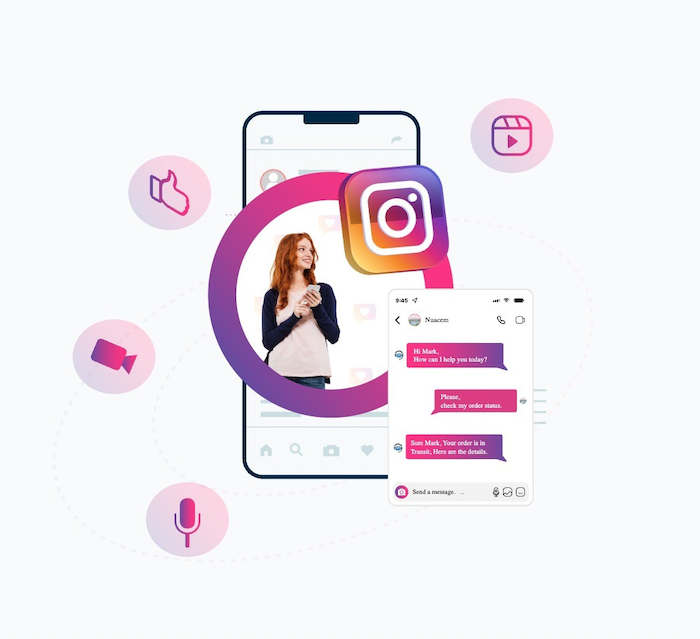
A basic chatbot is helpful. An advanced bot can change your business. It creates smarter chats that make more money.
Personalization and AI Integration
You can use data to make chats feel personal. Greet users by name and reference their past orders or preferences, so they feel recognized. You can also train the AI with your product knowledge and clear communication rules (tone, wording style, do/don’t say, service standards) to create a consistent brand voice. This helps the bot respond in a way that matches your unique identity while still personalizing each conversation.
On top of that, NLP (Natural Language Processing) makes the bot smarter. It understands user intent instead of only reacting to keywords, leading to more natural, helpful conversations.
Lead Generation and Qualification
Your chatbot is a great tool to find leads. You can design chats to get user contact info. The bot can ask screening questions. It can ask about the budget or user needs. This finds the best leads. The bot can then send these leads to your sales team.
Driving Sales and Conversions
A chatbot can be a personal shopper. It can suggest products users might like. It can show products in the chat.. Bots are also good for cart recovery. They can send reminders to users about items left behind within 24 hours of the customer’s last interaction (since marketing reminders are only allowed in that window). This helps bring shoppers back and increases completed orders.
A chatbot can be a personal shopper. It can suggest products users might like and show products right in the chat. Bots are also great for cart recovery: they can remind users
Example: Chatbots can handle many common support questions. (7 words) This frees your human team for harder problems. These problems may need human feeling. A bot should pass the chat to a human if needed. A smooth handover is very important. This stops the customer from getting stuck.
Real-World Use Cases and Success Stories
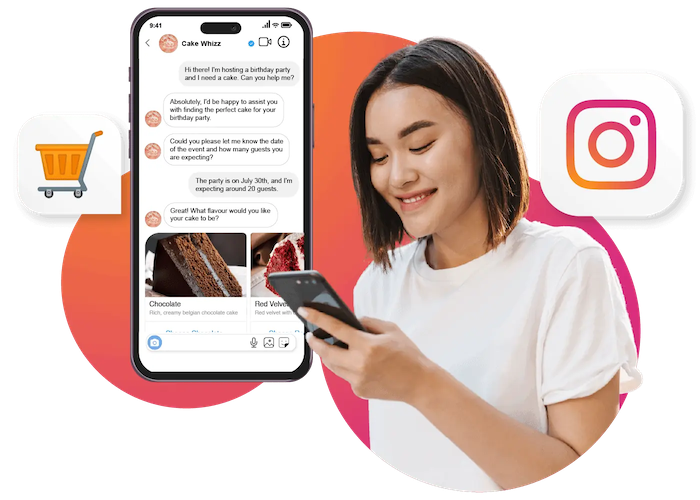
Many businesses use chat automation now. They get great results. Their success shows how useful these tools are.
E-commerce Businesses
E-commerce brands use chatbots for the full customer path. Look at Kingsport, a fitness seller. They used Botcake's AI to help their human team. This change made their customer service much better. Their reply time became almost instant. It was 15 minutes before. This change also raised customer happiness by 20%. The bot answers questions and helps the team work faster.
Service-Based Industries
Service businesses use chatbots to find leads. They also use them to manage bookings. USAC is a good example. They wanted better leads from their ads. They used chat automation to screen new chats. This helped them get great results. Their cost for each lead fell by 41%. Their total number of leads grew by 65%. The bot helped them find better clients faster.
Financial Services (HDFC Case Study)
HDFC used a conversational assistant inside Instagram messages to guide customers through home loan inquiries. Their chatbot identified user intent and directed people to key services such as interest rates, EMI details, and loan applications, right inside Instagram chat.
After launch, HDFC recorded:
-
10.5% higher lead conversion vs other social channels
-
4.4 minutes average customer engagement time
-
12,300 customer queries handled in one year
This shows how an advanced chatbot can personalize conversations, boost engagement, and generate more qualified leads in high-value industries like finance.
Challenges and Future Trends
Chatbots are strong tools, but not perfect. You must understand their limits. You also need to know about the future of this tech.
Common Pitfalls and How to Avoid Them
The biggest problem is user frustration. This happens when a bot gets confused or stuck. You can avoid this. Design clear chat paths. Always give users a way to talk to a human. Technical problems can also happen. You must watch your bot and fix bugs fast.
The Evolving Landscape of Conversational AI
The future of chatbots is AI. This AI is getting smarter. Bots will get better at understanding human speech. We expect Instagram to add new API features. These features will allow for better chat experiences. AI will keep changing how businesses talk to customers.
Conclusion
Instagram chatbots are a key tool for businesses. They save time. They improve service. They also help drive sales.
An Instagram chatbot offers 24/7 support. It finds and qualifies leads for you. It automates sales. It answers common questions right away. This frees your team. It also creates a smooth, modern customer experience.
The first step is to just start. You do not need a complex bot on day one. You can start by automating common questions. You can add more features as you grow. Tools like Botcake make it easy to build a bot. You can do it without any code. Using automation is a key step to growing your business.
Related blogs
Chatbot AI Messenger: Cách hoạt động, ứng dụng và triển khai
How to Set Up Meta Business AI on Messenger
Top E-commerce Use Cases of Meta Business AI

Discover how your business can connect with customers 24/7 with Botcake
- Automate your customer messaging flow
- React thousands with bulk marketing message campaigns
- Blend AI power seamlessly with your customer service